

A little preparation helps when storage is tight or mobile data drops. Check the X8 address, make room on your Android phone and use a connection that can finish the file transfer without interruption.
What your phone needs first
| Phone | An Android handset with security updates installed |
|---|---|
| Space | Free space for the file and the installed app |
| Connection | Wi-Fi or mobile data that stays connected |
| Source | The X8 page address checked in your browser |
| Reader | Adults who have checked age and location conditions |
From the browser to the installed app
- Visit the linked X8 page on the phone where you plan to install it.
- Read the address and Android release details before choosing a download.
- Leave the transfer running until your browser shows that the file is complete.
- Find the completed package in Downloads or tap its finished-download notification.
- Check any source warning and the reason for each permission Android requests.
- Proceed only with access you understand, then wait for installation to finish.
- On first opening, returning members should sign in to their existing profile.
File size and release details can change. Use the information displayed when you actually start the download.
Let the first screen finish loading
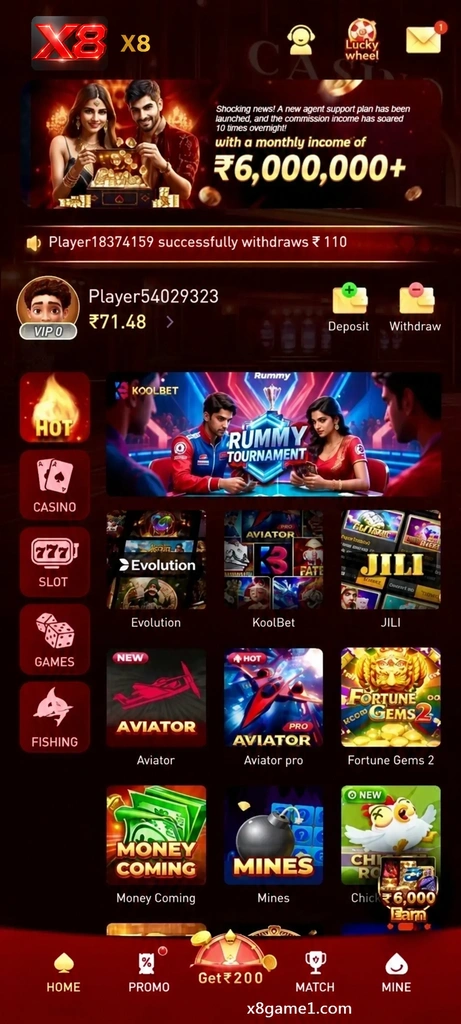
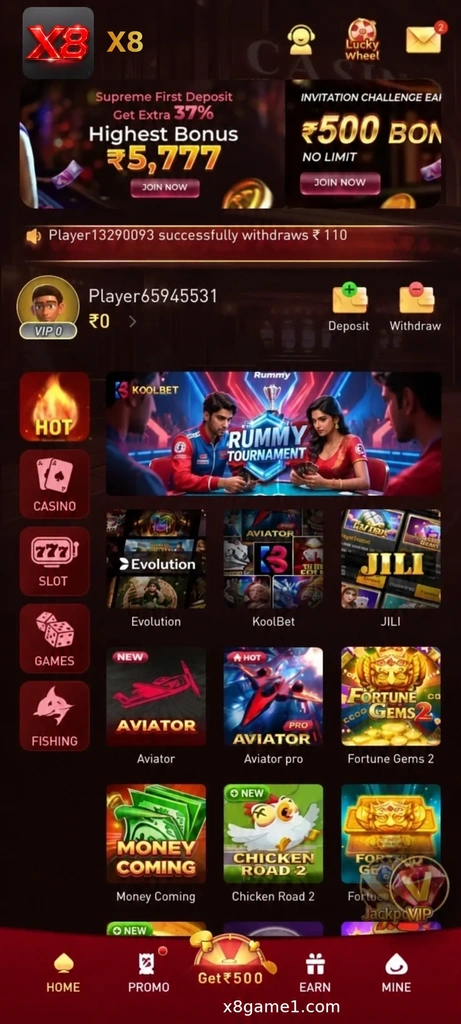
Wait for account shortcuts and navigation to appear before moving through the lobby. If you are new, the registration page explains account setup. If you already joined, use your saved login details.
Close temporary installation access afterwards
Your browser or file manager may need temporary permission to install a package. Once setup is complete, open Android settings and turn that access off if you no longer need it.
Where to look once the app opens


Common download questions
How do I know which release to download?
Read the version information on the linked X8 page rather than relying on an old screenshot.
The download stopped halfway. What should I check?
Look at free storage and your connection, then return to the checked source if another transfer is needed.
Does reinstalling mean registering again?
Keep the same account and use Login once the app is installed again.
Should I accept a permission I cannot explain?
Leave it unapproved until you have checked why it is needed and where the file came from.